
Let HymnBox make it Easy!
Say Goodbye to Windows based displays
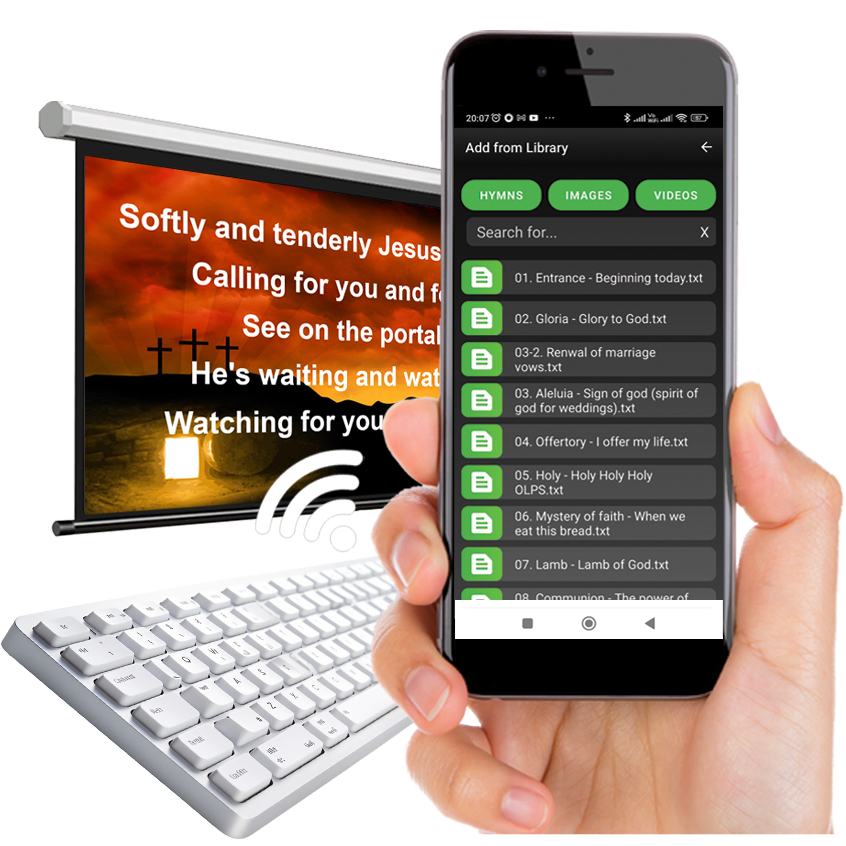
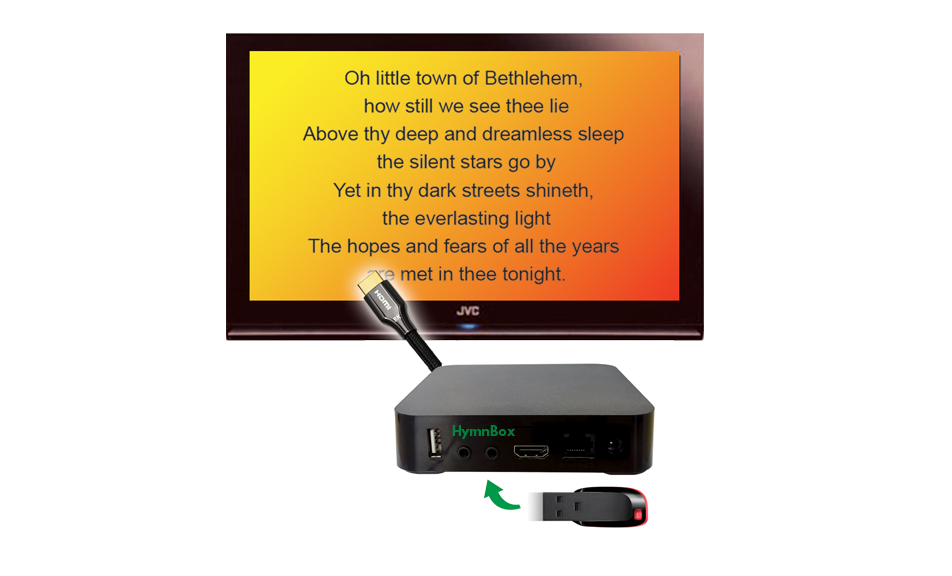
HymnBox is a hardware and software based box that displays hymns,
images and plays video files on your Church Projector or TV system. HymnBox also plays "Music-only" files like karaoke so that parishioners can sing along when there are no musicians!
Simply copy your content to a USB
pen drive and connect it to HymnBox. You can then control everything using the HymnBox Mobile App,
which connects to the HymnBox via Wi-Fi, or a wireless or wired Keyboard allowing you to operate it from anywhere within range.
Implementing HymnBox is as Simple as ABC

Connect HymnBox to your Projector or TV

Plug in the USB drive with Hymns, Images, Music and Video files

Start HymnBox Remote App on your Mobile Phone or Connect your Keyboard

Project content by clicking on your mobile phone or keyboard!
Thats it! Pretty Easy Isn't It?
HymnBox Youtube Links
Plug in the BOX
Power on the HymnBox Player
Control with your Mobile
Display content on the projector or TV screen using HymnBox Remote app on your mobile sitting anywhere within the range of the Wi-Fi.
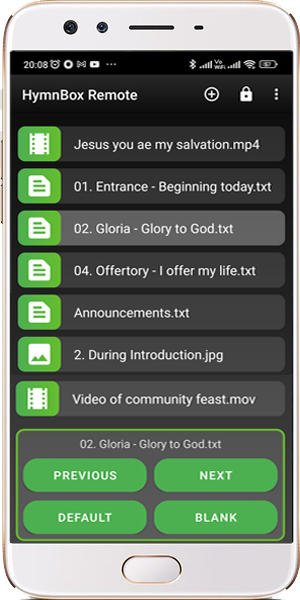
Download and install the HymnBox Remote app from Google PlayStore and connect to your HymnBox Player. Make a Playlist and be ready for the mass! During the mass just select the entry and click the Start button. Your selection will be displayed on the screen!
Note: You will be able to Preview the Hymn and Image Files before adding them to your playlist or displaying them on the project or TV!
Install HymnBox Remote on your phone from Google Playstore

Control with a Keyboard
You can also Display your content on the projector or TV screen using any Wired or Wireless Keyboard available in the market. If you do not want to invest in a mobile phone this is the best option to start using HymnBox!
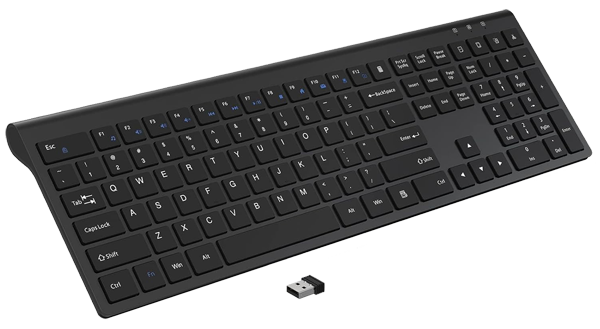
Connect the USB Cable of a wired Keyboard to any USB port of HymnBox. In case of Wireless keyboard you will get a small USB receiver along with the Keyboard that you need to insert in the USB port of HymnBox.
You can then start punching the hymn numbers or the title of the hymn on the keyboard and the words will be displayed on the screen! Use short-cuts to navigate pages.
Videos
An Intro
How to run it - What's in the Pen-Drive?
How to run it - How to Operate via a Mobile device?
Check and Subscribe to our YouTube Channel for notifications on new videos

click here
Enquire Now!
More About HymnBox
We would love to hear from you. Contact us if you're looking for help with your Church display or want more information about our services.
Kindly use this contact form to get in touch with you.